
Omada - How to factory reset an access point
Getting an access point back to its factory default state can be useful for a fresh setup, or even for a device that was previously managed or configured.
With TP-Link Omada APs, there are a few ways to set it back to factory default.
If you already have access to the device from the software, then the first step will work. If not, then the last resort is to reset it on the physical device, using the reset button.
Reset from the Omada Controller
First thing to do is to log into the Omada controller and click on 'Devices'

Next, select the access point you want to reset

Then, click on 'Config' in the device panel

Next, scroll down to and click on 'Manage Device'

Then, click on 'Forget'

Next, click on 'Forget' in the popup. Now the AP will reboot and then go back to factory default settings. Once completed, it'll be ready to set up again.
Reset on physical device
TP-Link Omada APs have a physical reset button, usually located next to the ethernet port. Once the button is located, hold it down for 10 seconds, until the LED lights flash. Once done, the AP will reboot and then go back to factory default settings. Once completed, it'll be ready to set up again.
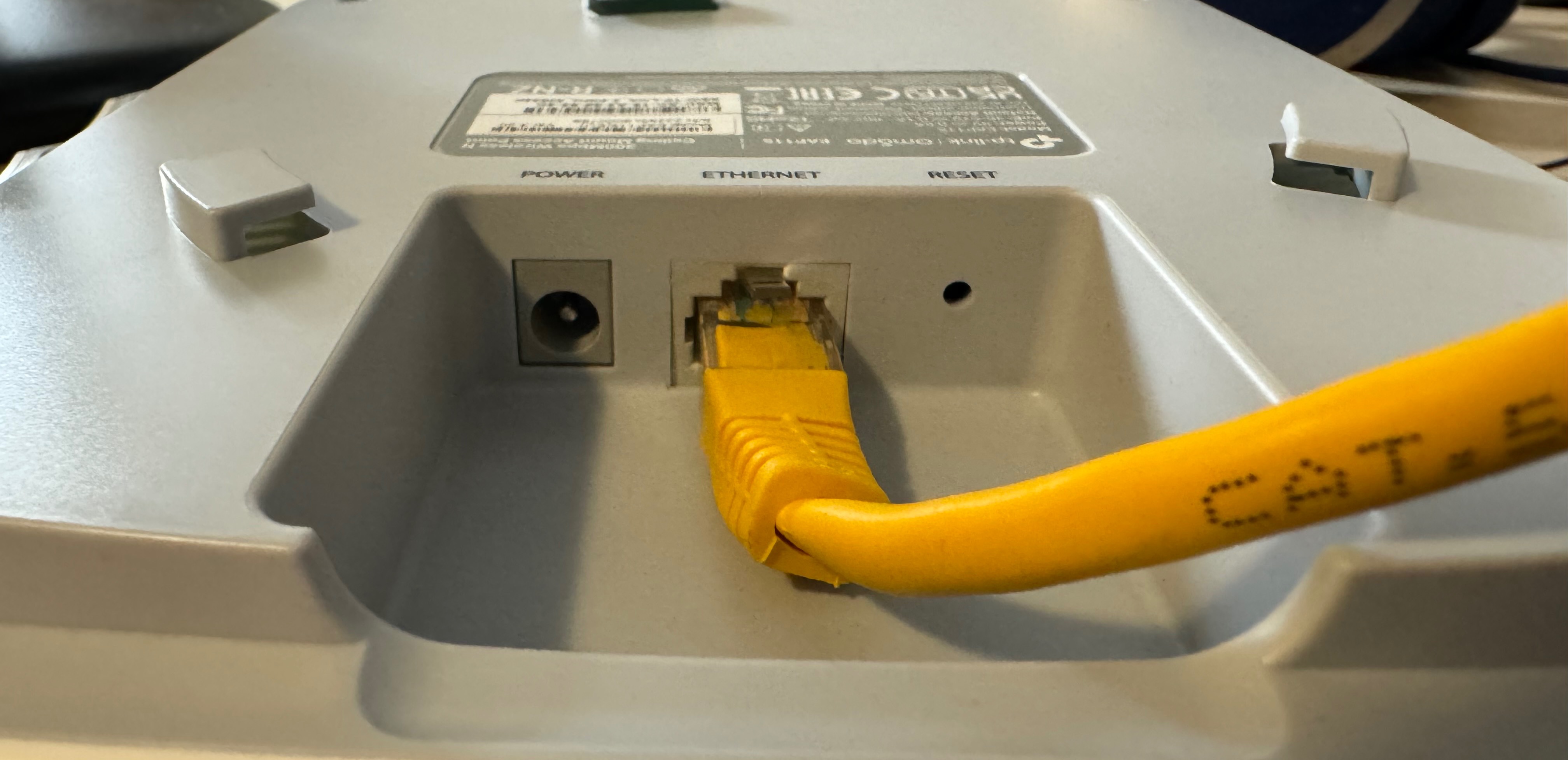
The best sort of tool to use is an unwound paperclip or SIM ejection tool. In the above photo is a Omada EAP115.
About HostiFi
HostiFi provides hosting for Ubiquiti software platforms, with servers for UniFi and UISP. We also offer network consulting, with HostiFi Professional Services.

Get the Ubiquiti Top 20
Each month our team sifts through Ubiquiti news and content from around the web and delivers 20 of our favorite links to your inbox.
View recent issues
No spam. Unsubscribe anytime.
🤩
Discovered 3+ things that I did not know and will have a material impact on my business.
Newsletter Subscriber
🤩
All the info I want/need in a single clean thread! Perfect!
Newsletter Subscriber
🤩
Providing super valuable information to keep the community in the know. Awesome links page, Thank You.
Newsletter Subscriber