
Omada - How to migrate a site to a new controller
TP-Link Omada has a feature to help you migrate your site to a new controller and take with it, all the settings and changes you have made over time. The migration wizard will walk you through the process and move the devices over automatically.
NOTE: Both controllers need to be running the same version of Omada for this to work.
Launch migration from original controller
The first thing to do is launch the migration wizard from your original controller. (i.e where we want to move the devices from)
To do this, go to the Global view within Omada and then click on 'Settings'

Next, click on 'Migration'

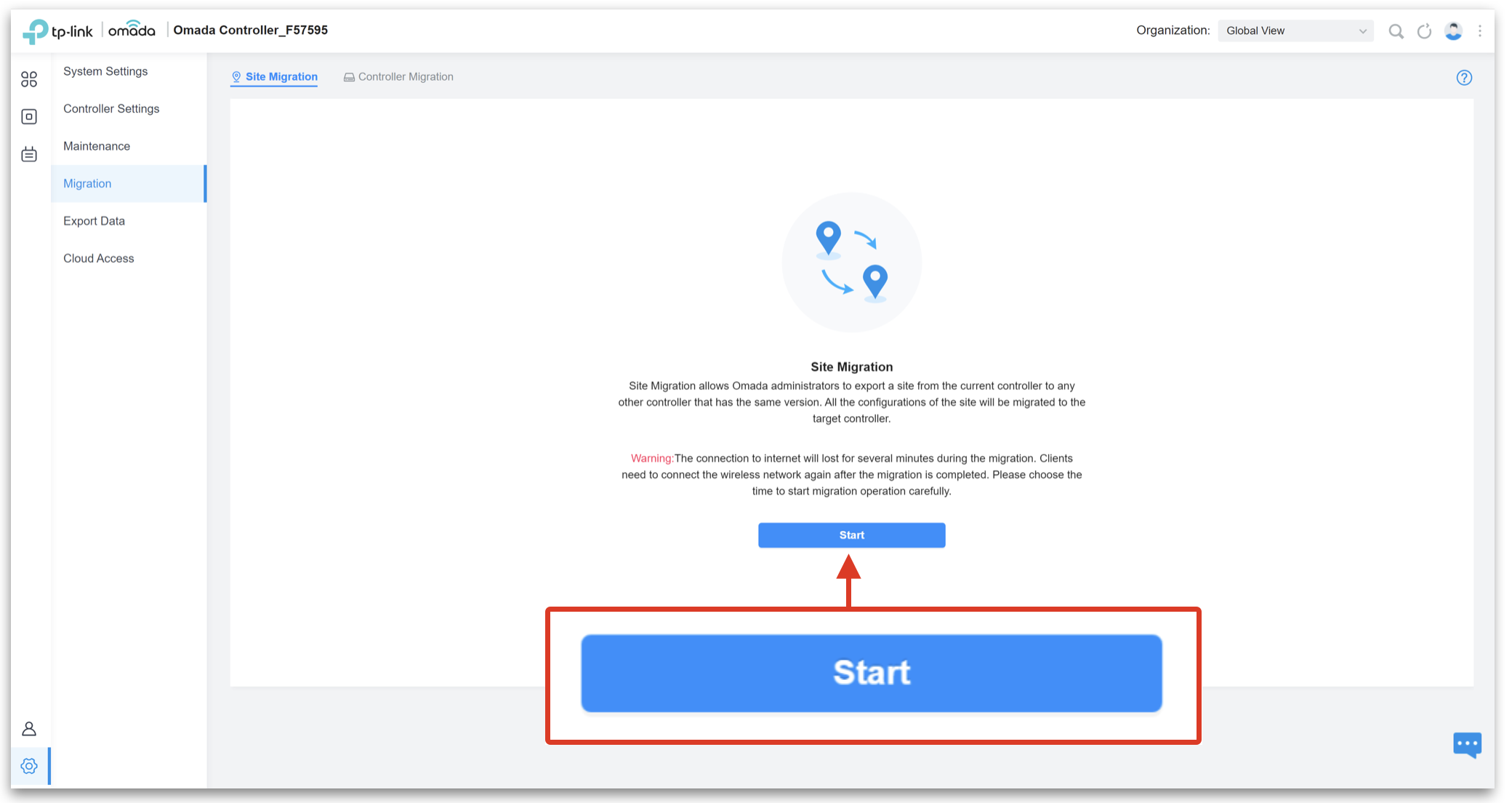
Then, click on 'Start'
Next, select the site you wish to migrate, select 'Export to Local File' and then click on 'Export'

Once done, the backup file will download to your local machine

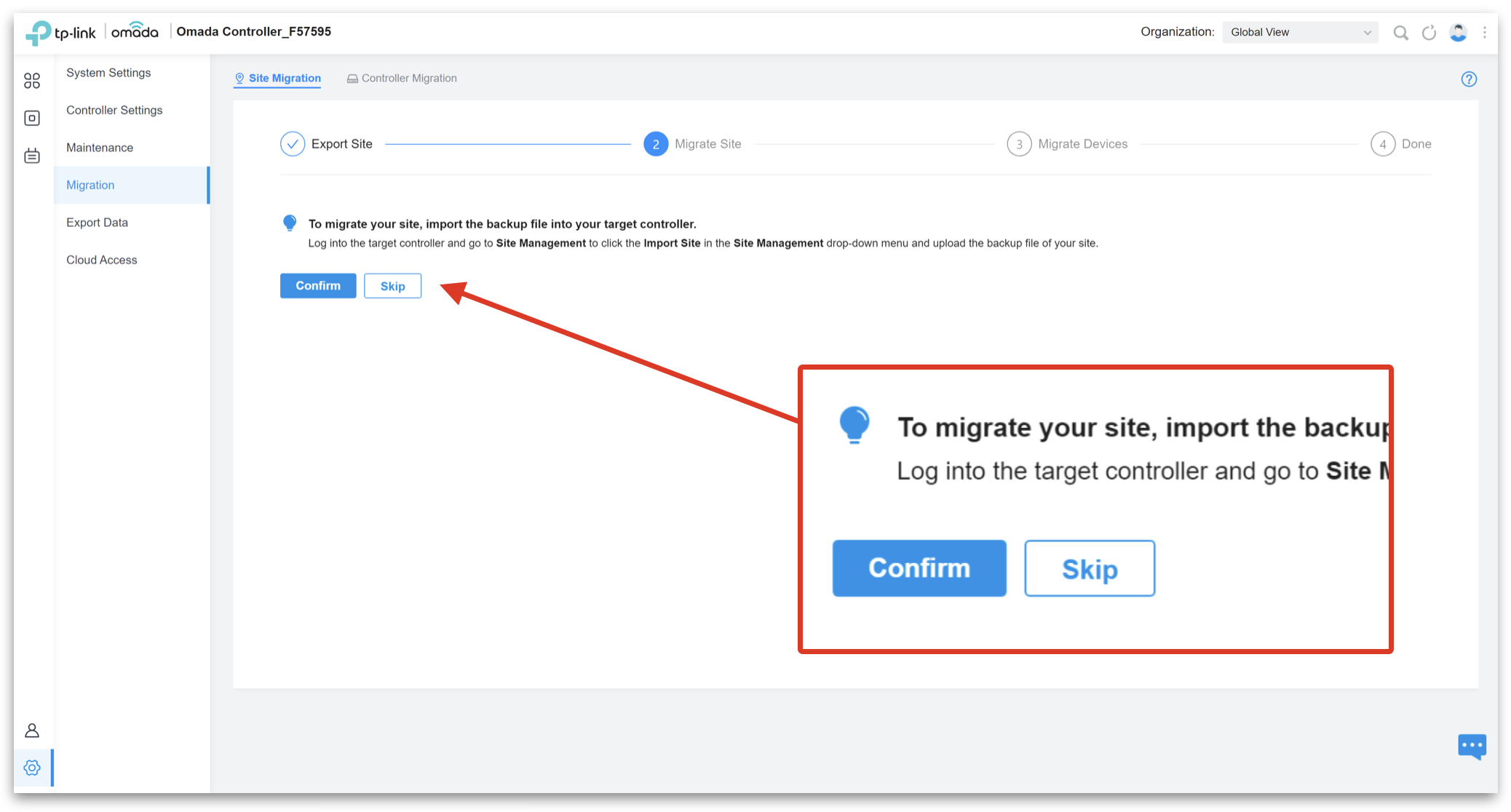
Once the file has been downloaded. The following message will display on the screen. Leave this page open and proceed to the next step.
Import site into new controller & migrate devices
Before we can migrate the site, we now need to import the file we just downloaded into the new Omada controller.
First, click on the box with arrow icon

Next, choose a name for the new site, choose 'Import from Local File', select the file which was grabbed from the original controller and click 'Import'
NOTE: If the option choose local file is greyed out, it is because you are using the TP-Link Cloud service. In order to import a file locally you need to connect directly to the Omada controller.

Next, on the original controller input the new inform URL. (this can be found from app.hostifi.com)

Next, click 'Migrate Devices' and they'll go to 'Disconnected' state

Then, on the original controller hit 'Forgot Devices' to avoid any issues

Finally, log into the new controller and you'll see your devices connected

Video
About HostiFi
HostiFi provides hosting for Ubiquiti software platforms, with servers for UniFi and UISP. We also offer network consulting, with HostiFi Professional Services.

Get the Ubiquiti Top 20
Each month our team sifts through Ubiquiti news and content from around the web and delivers 20 of our favorite links to your inbox.
View recent issues
No spam. Unsubscribe anytime.
🤩
Discovered 3+ things that I did not know and will have a material impact on my business.
Newsletter Subscriber
🤩
All the info I want/need in a single clean thread! Perfect!
Newsletter Subscriber
🤩
Providing super valuable information to keep the community in the know. Awesome links page, Thank You.
Newsletter Subscriber