
UniFi - How to block inter-VLAN traffic
Hire us to set this up for you!
Check out hostifi.com/pro for more info or reach out via the live chat bubble on this page
This guide will show you how to block all traffic between VLANs in UniFi
If you want fast and reliable UniFi hosting, check out HostiFi with expert support, regular backups, managed updates and prices from $19 per month.
To learn more about our hosting plans, create an account or book a free demo to get started.
By default UniFi firewalls allow all interVLAN routing
If you want to block traffic from one VLAN to another VLAN, it's more secure to start by blocking all inter VLAN traffic and then make rules only for the traffic you want to allow
UniFi Zone-Based Firewall (new)
Under Settings > Security > Create Policy
Name: Block Inter VLAN traffic
Source Zone: Internal
Destination: Internal
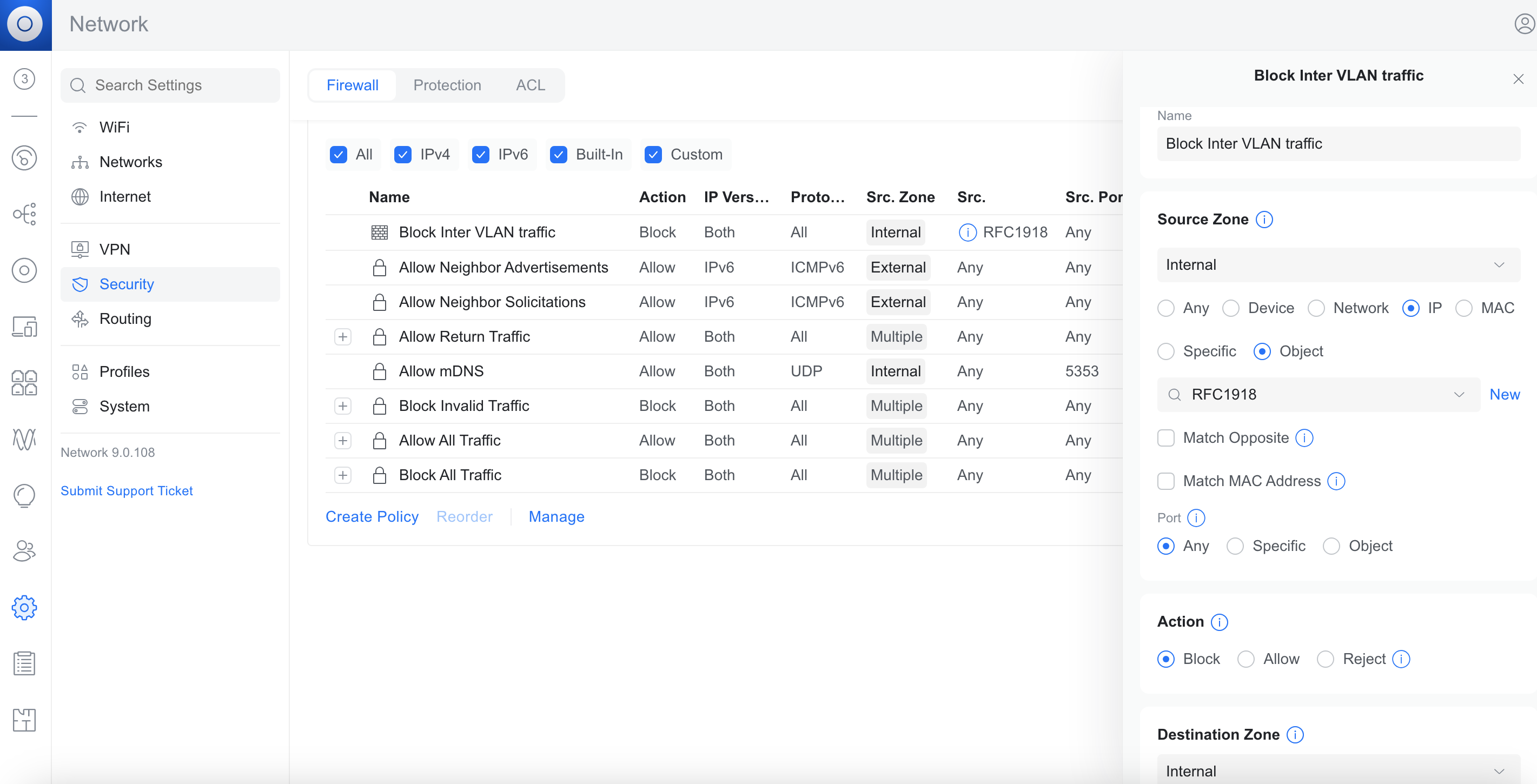
Now you can test it out, you shouldn't be able to ping an IP on another VLAN with this policy implemented
Next you can create rules to Allow specific traffic only
Remember to place the Allow rules above this Block rule
By default the Block rule is a the top causing the Allow rules to be ignored
To fix that, under Internal / Internal click View Policies
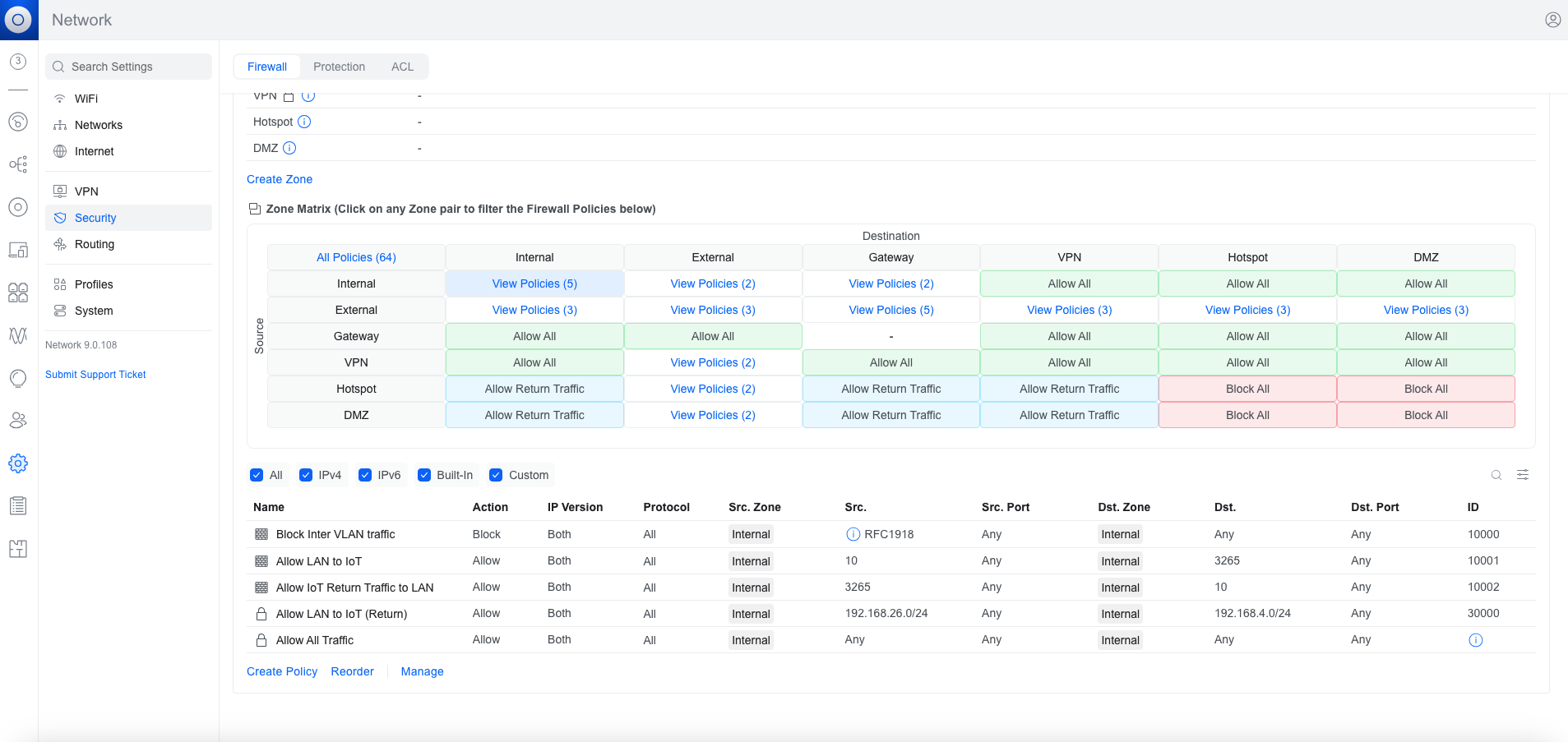
Then Reorder
Drag the block rule to the bottom
Click Done
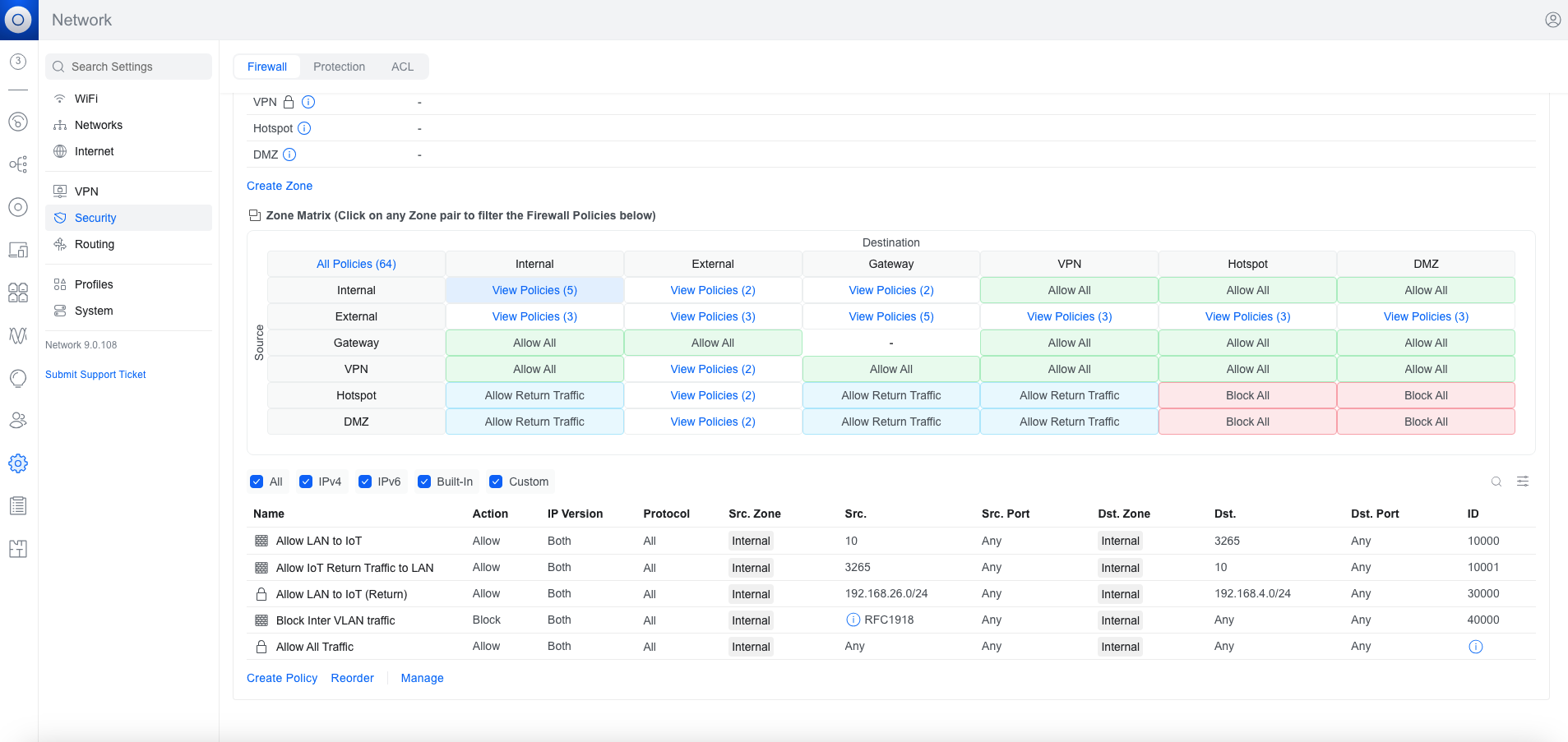
In this example we are blocking Internal to Internal, but keep in mind that Internal to VPN for example is allowed still and a new rule would need to be created to block that as well if you have VPN sites that you don't want your networks to have access to
UniFi Firewall (legacy)
If you are using the old firewall interface, before zone-based was implemented in UniFi, creating the rule looks like this:
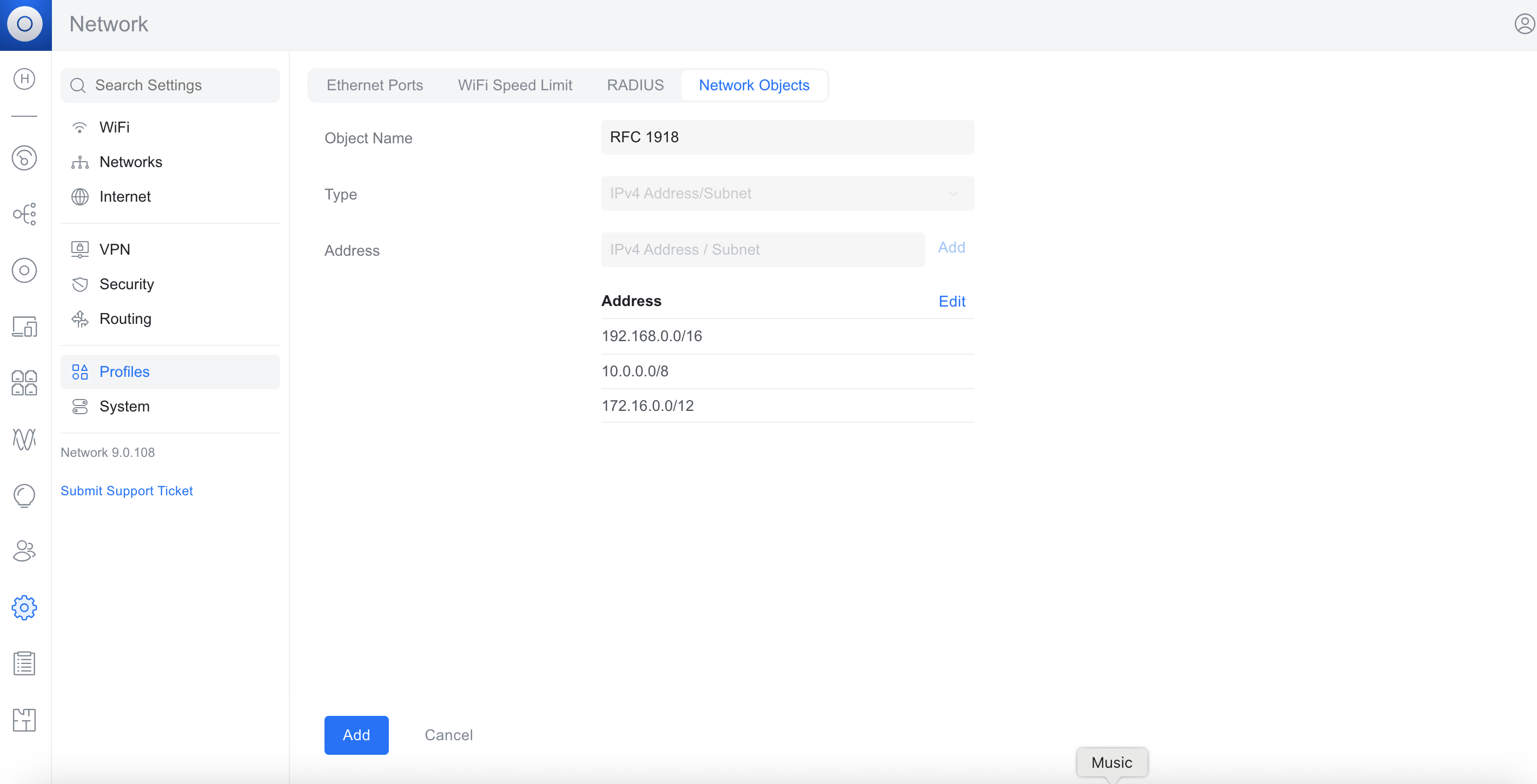
First we will create a Network Object profile with all private IP ranges and then we will create a firewall rule to drop traffic between them
Under Settings > Profiles > Network Objects go to Create New
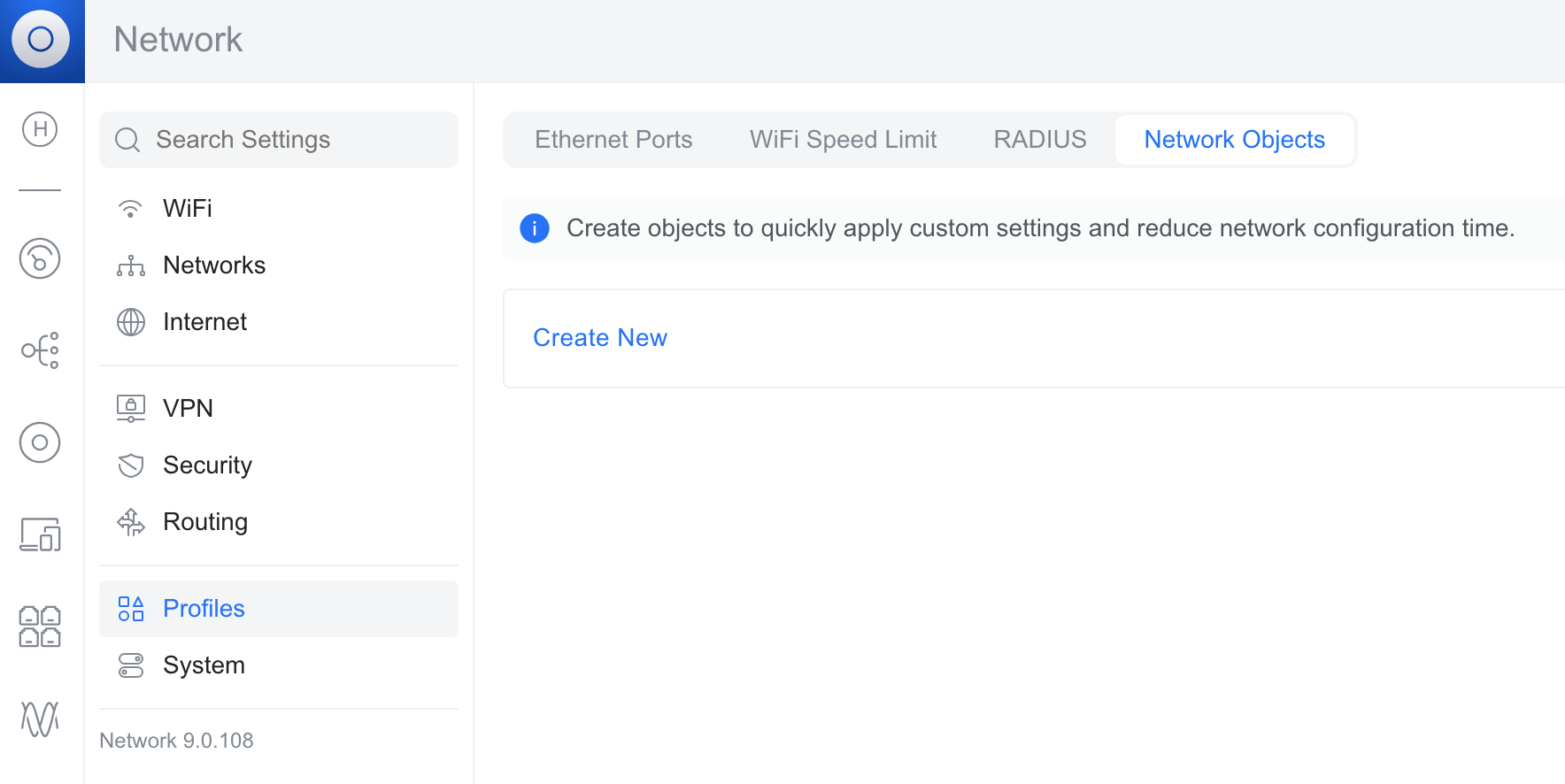
Object Name: RFC 1918 (or if it is easier for you to remember you could name it "All private IP ranges" or similar)
Type: IPv4 Address/Subnet
Addresses:
192.168.0.0/16
10.0.0.0/8
172.16.0.0/12
Then "Add"
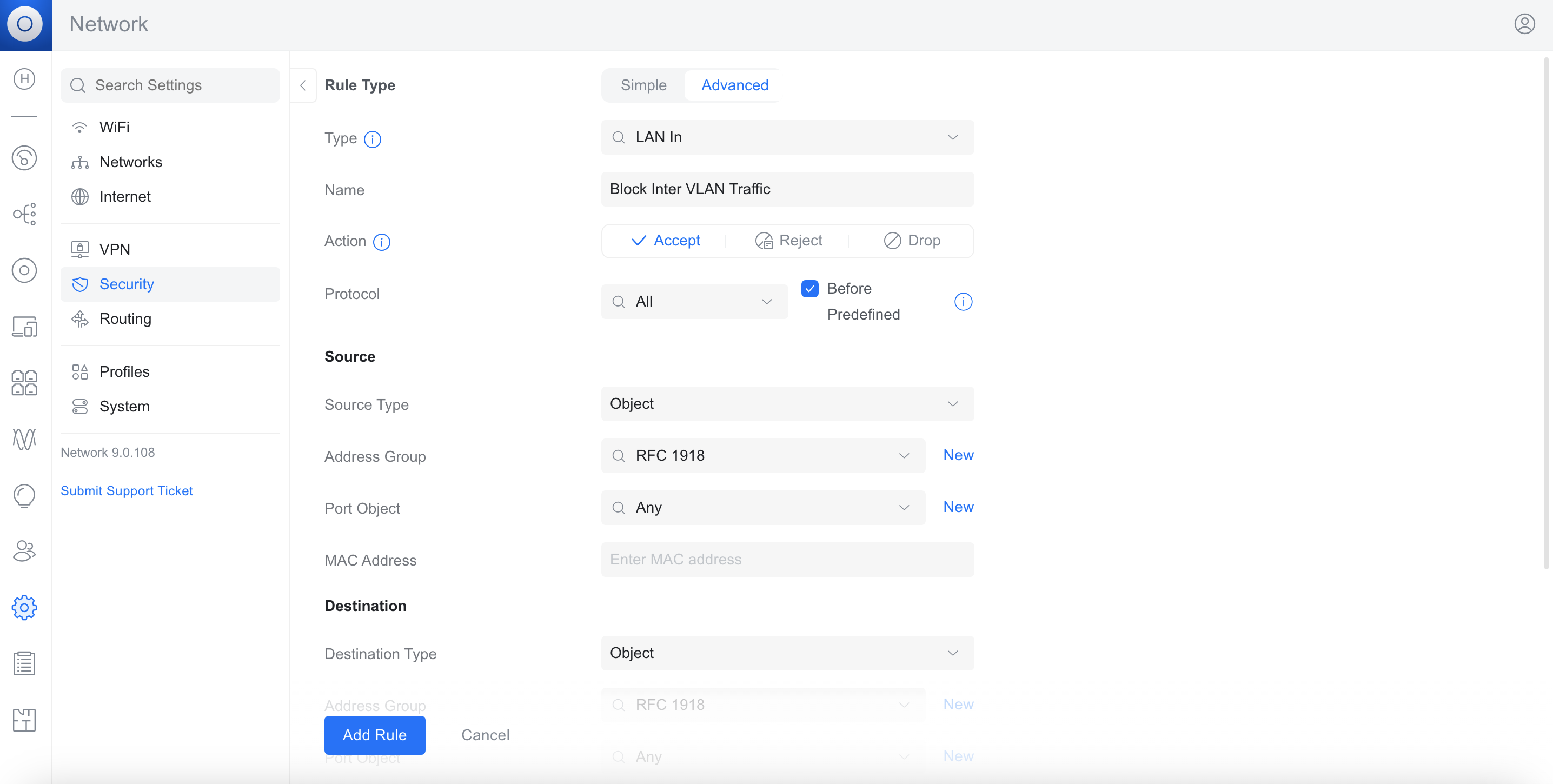
Next we will create a firewall rule to block all traffic from these IP addresses to any Internal destination
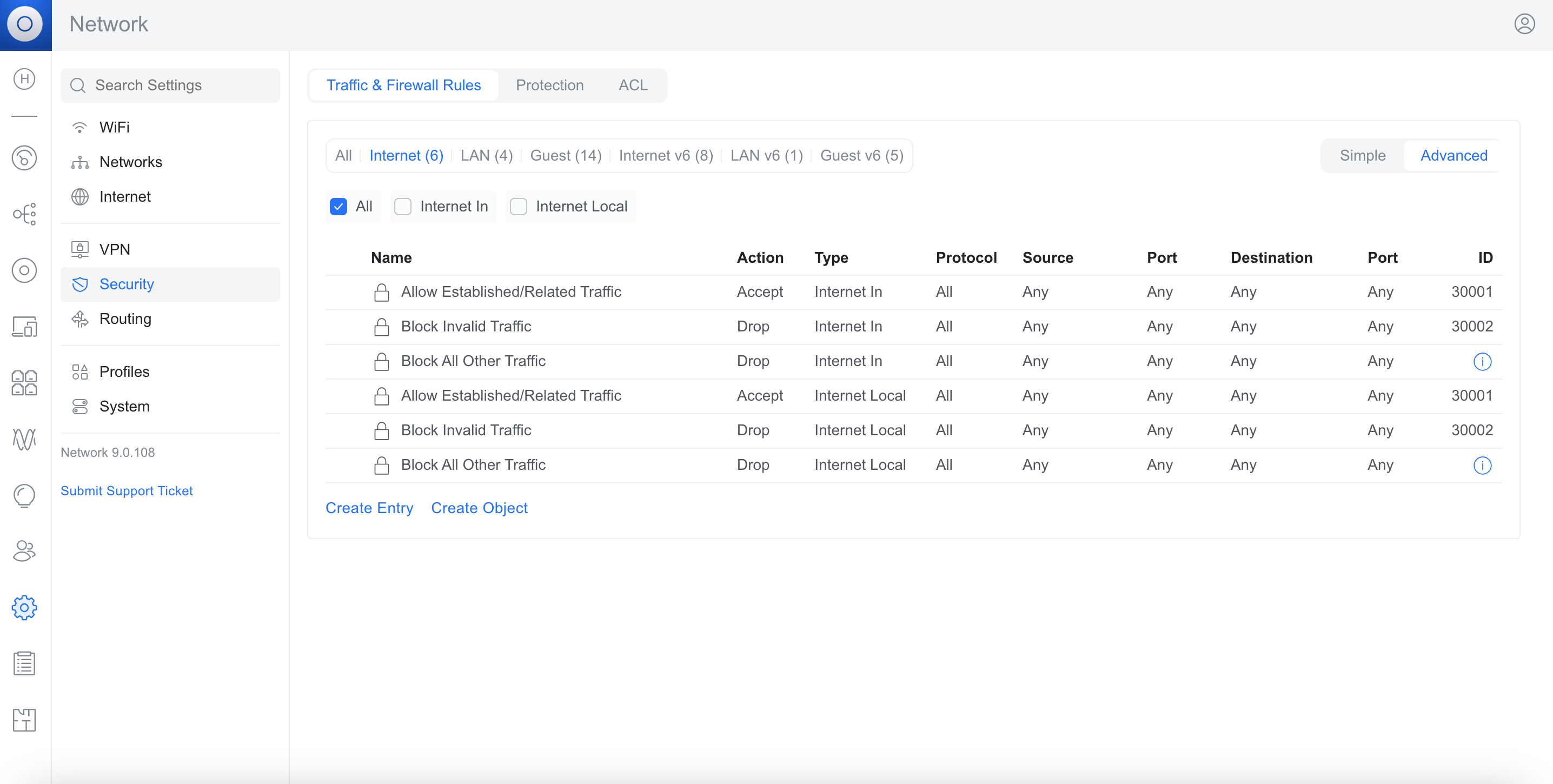
Settings > Security > Traffic & Firewall Rules > Advanced
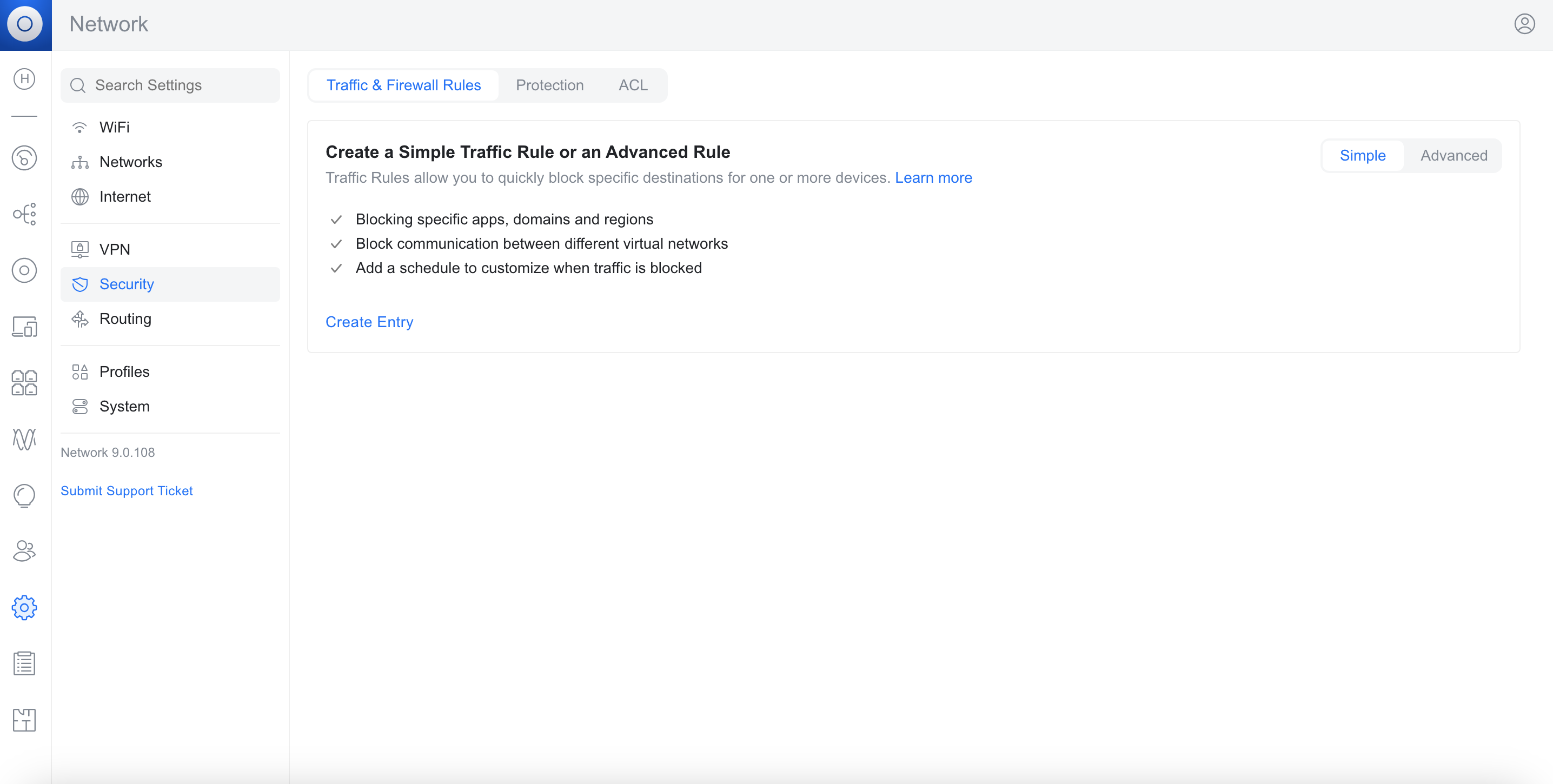
Create Entry
Type: LAN In
Source
Source Type: Object
Address Group: RFC 1918
Destination
Destination Type: Object
Address Group: RFC 1918
About HostiFi
HostiFi provides hosting for Ubiquiti software platforms, with servers for UniFi and UISP. We also offer network consulting, with HostiFi Professional Services.

Get the Ubiquiti Top 20
Each month our team sifts through Ubiquiti news and content from around the web and delivers 20 of our favorite links to your inbox.
View recent issues
No spam. Unsubscribe anytime.
🤩
Discovered 3+ things that I did not know and will have a material impact on my business.
Newsletter Subscriber
🤩
All the info I want/need in a single clean thread! Perfect!
Newsletter Subscriber
🤩
Providing super valuable information to keep the community in the know. Awesome links page, Thank You.
Newsletter Subscriber