
UniFi - Rewriting UniFi email alerts with Mailparser and Postmark
A common request that we have is how to change the UniFi alert email templates. For example, for most people, it would be helpful to have the site and device name in the alert email subject line, instead of the default template's subject which has the controller name and alert.
If you want fast and reliable UniFi hosting, check out HostiFi with expert support, regular backups, managed updates and prices from $19 per month.
To learn more about our hosting plans, create an account or book a free demo to get started.
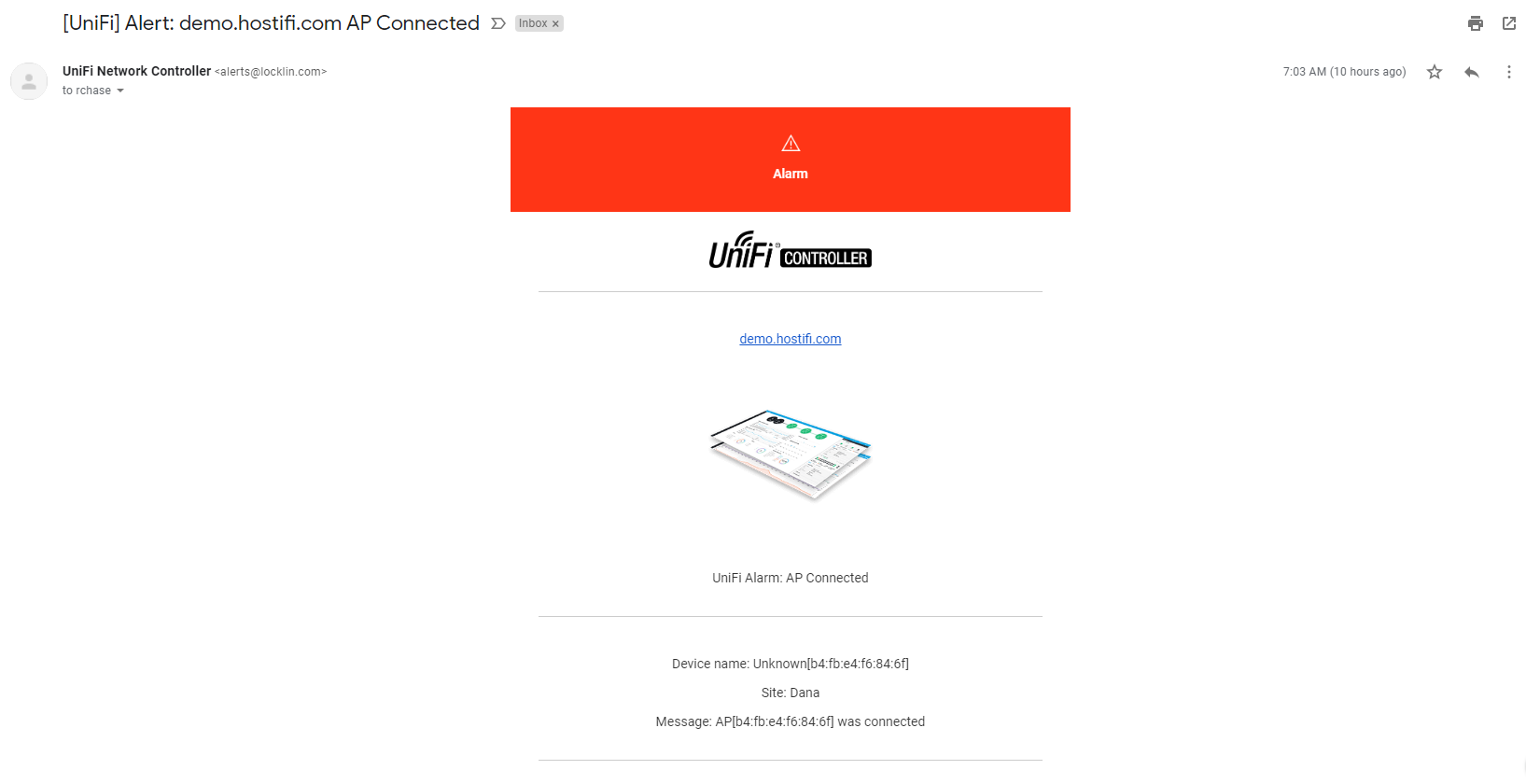
Although there are no options built into UniFi for customizing the emails, we can send the emails to a Mailparser email address, parse the relevant data from the emails, and then resend the emails out to Postmark to be delivered to email addresses of your choosing.
- First, configure UniFi to send email alerts to Mailparser and extract the data fields from the email template.
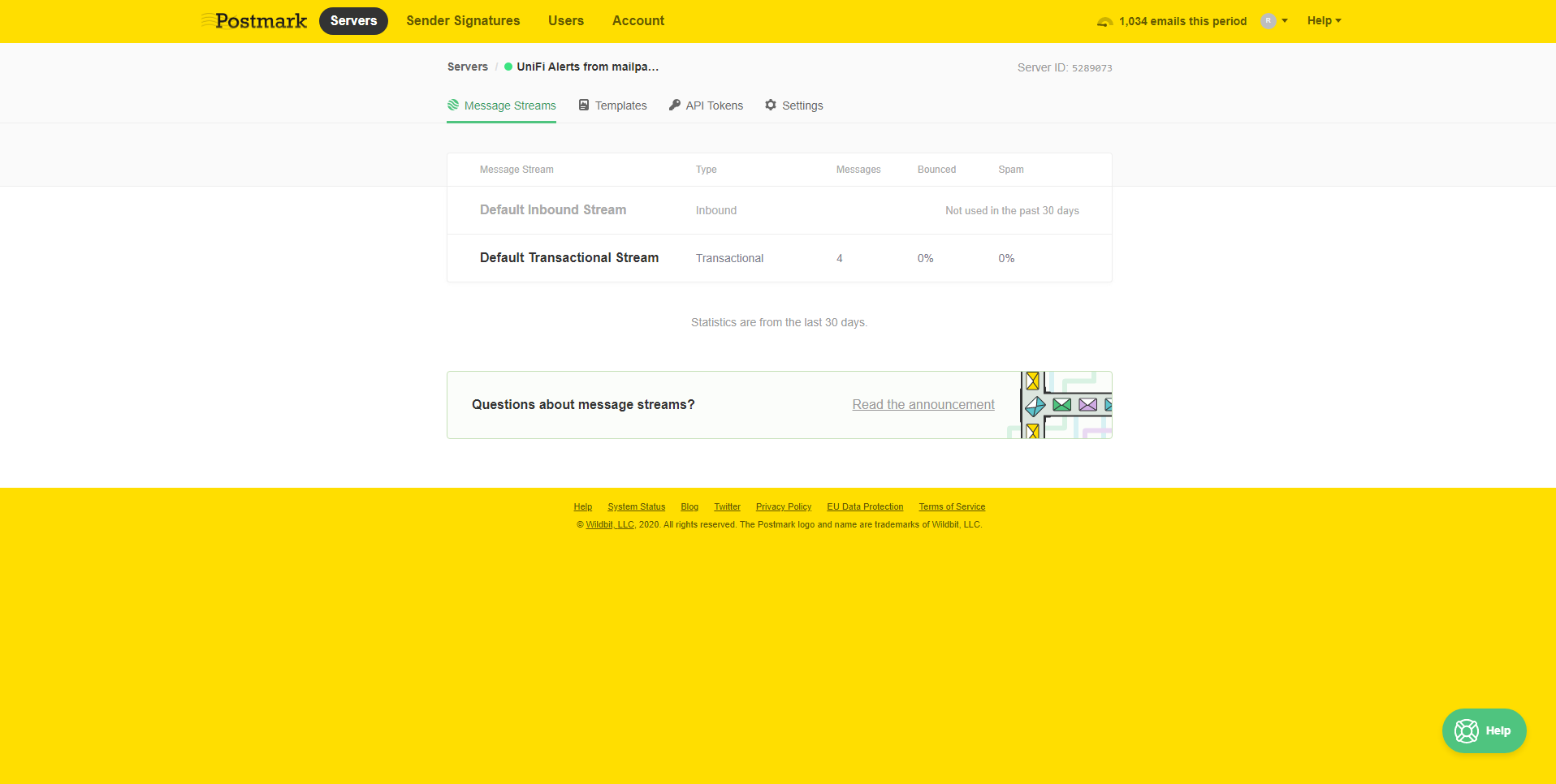
- Next, set up your Postmark account. You'll need to verify your domain to be able to send from it, and create a "server" in Postmark for the Mailparser emails to send to.
- Click on the server you created > Default Transactional Stream
4. Go to Setup Instructions > curl
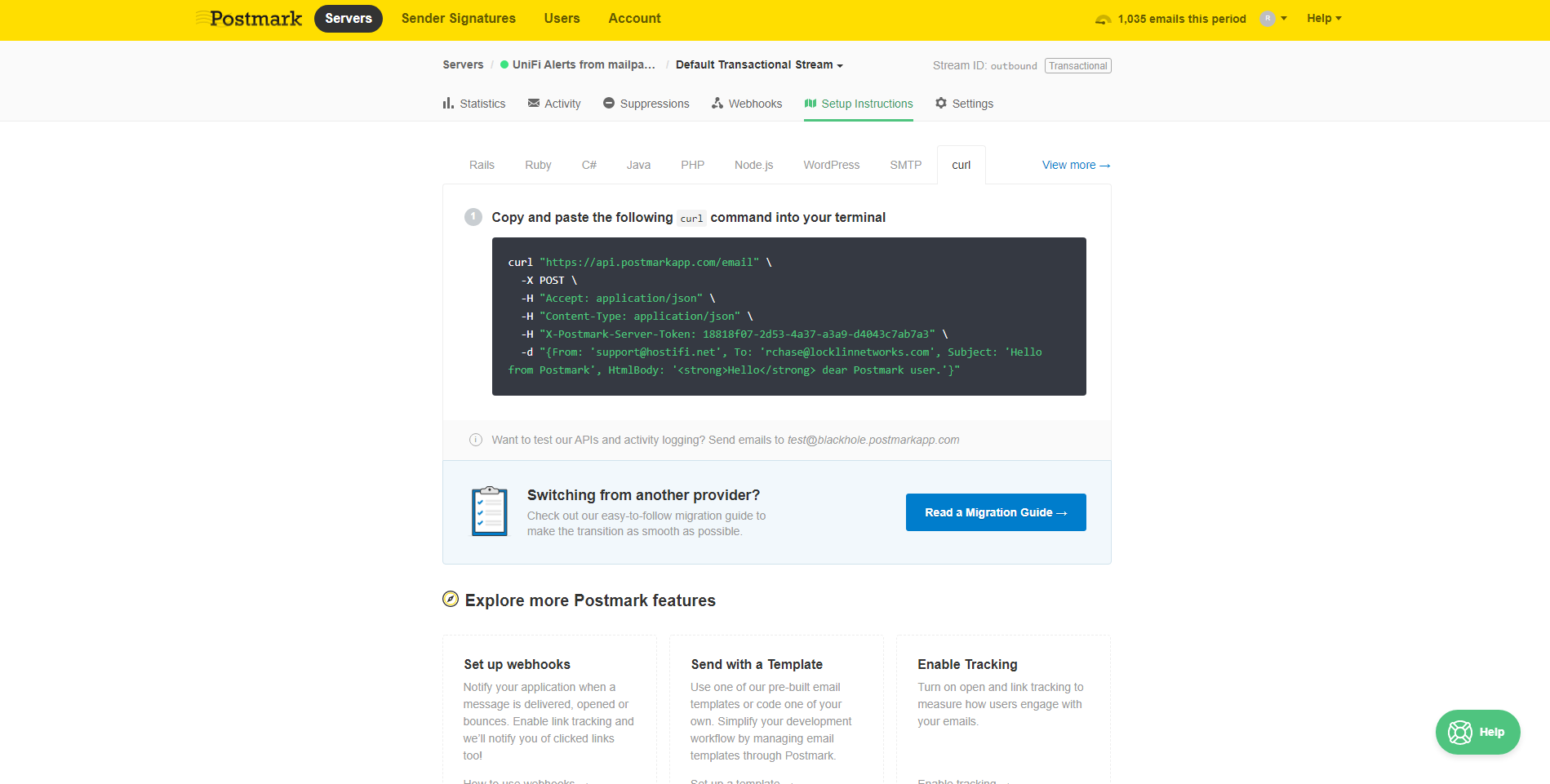
5. Leave that page open, we'll be copying some of the settings from the curl example in step 7 to create the webhook integration in Mailparser
6. In Mailparser, go to Webhook Integrations > Add New Integration > Generic Webhook
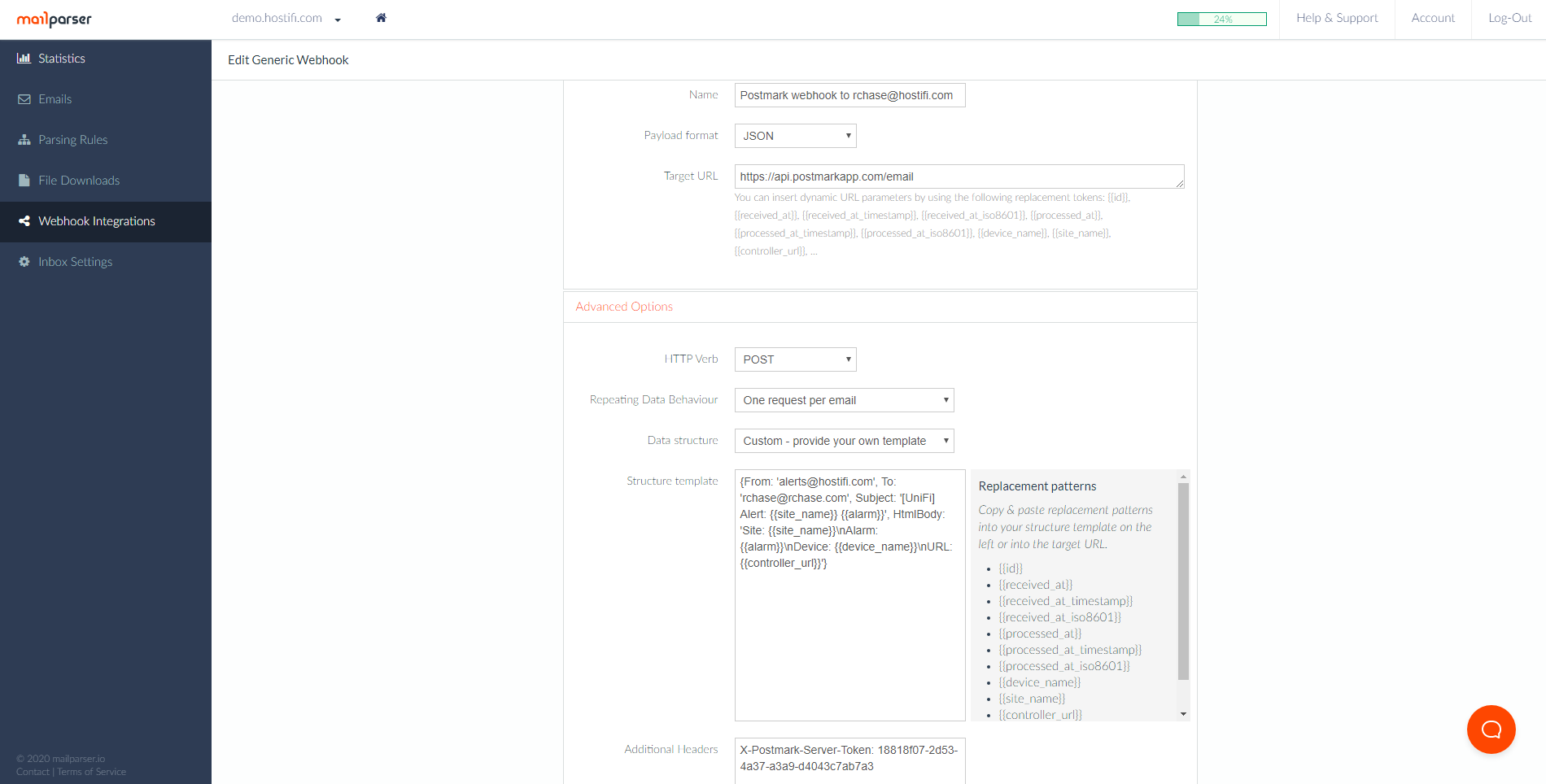
7. Use the following settings, but replace the bold areas with your own information from step 5. You can also customize the Subject or HtmlBody of the email if you want to.
Basic Options
Name: This can be anything, I used "Postmark webhook to rchase@hostifi.com"
Payload format: JSON
Target URL: https://api.postmarkapp.com/email
Advanced Options
HTTP Verb: POST
Repeating Data Behavior: One request per email
Data Structure: Custom - provide your own template
Structure template: {From: 'your-alerts-email-address@your-site.com', To: 'your-receiving-email-address@your-site.com', Subject: '[UniFi] Alert: {{site_name}} {{alarm}}', HtmlBody: 'Site: {{site_name}}\nAlarm: {{alarm}}\nDevice: {{device_name}}\nURL: {{controller_url}}'}
Additional Headers: X-Postmark-Server-Token: your-postmark-server-token
8. Click Save & Test. Check for any error messages.
About HostiFi
HostiFi provides hosting for Ubiquiti software platforms, with servers for UniFi and UISP. We also offer network consulting, with HostiFi Professional Services.

Get the Ubiquiti Top 20
Each month our team sifts through Ubiquiti news and content from around the web and delivers 20 of our favorite links to your inbox.
View recent issues
No spam. Unsubscribe anytime.
🤩
Discovered 3+ things that I did not know and will have a material impact on my business.
Newsletter Subscriber
🤩
All the info I want/need in a single clean thread! Perfect!
Newsletter Subscriber
🤩
Providing super valuable information to keep the community in the know. Awesome links page, Thank You.
Newsletter Subscriber