Ubiquiti introduces new UniFi Travel Router Long Range with AirWire style antenna
New UTR-LR is now available with more antenna gain and TX power
September 1, 2026
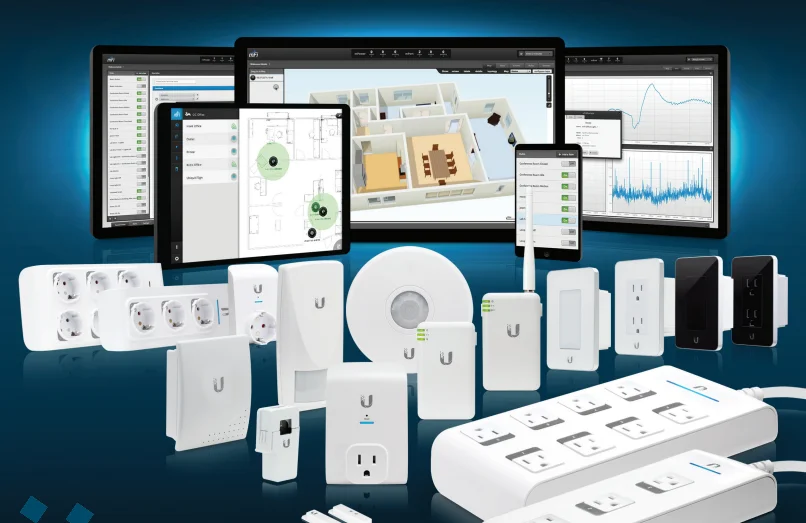
This is a guide on how to install mFi Controller, for anyone still using it. mFi has not received security updates since 2016.
If you are looking for an mFi replacement, Ubiquiti is developing new products in this space including UniFi LED and UniFi SmartPower.
Editor's note: UniFi LED has since been discontinued.
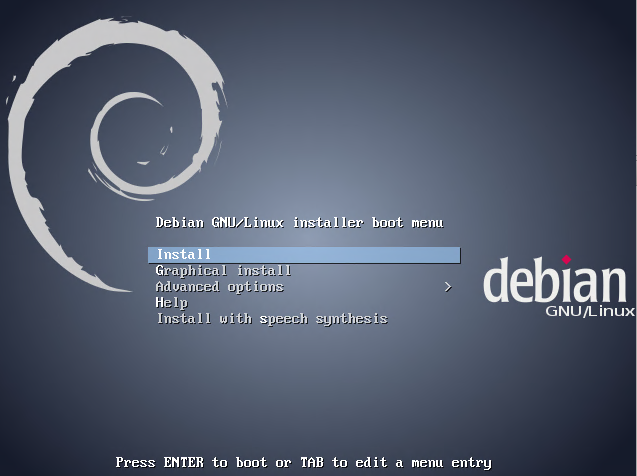
Download the Debian 7 netinst CD image from the Debian wheezy installer page.
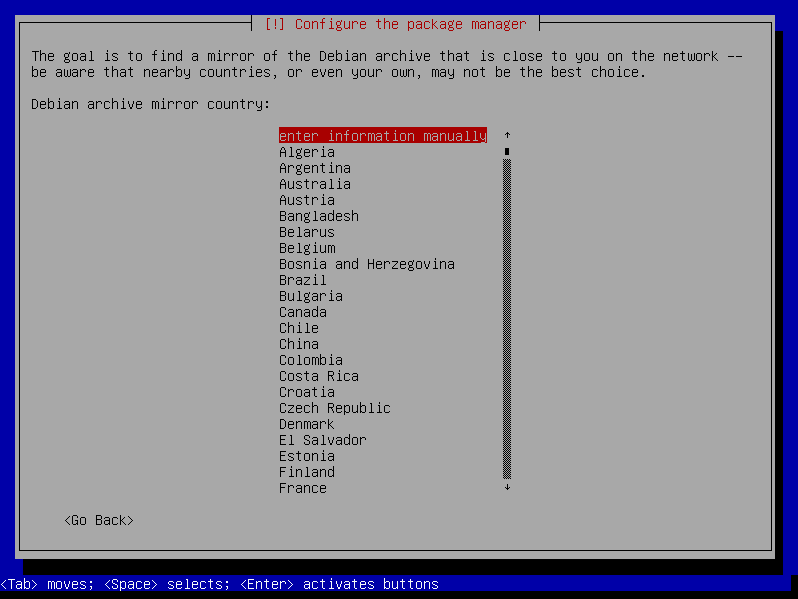
On the "Configure the package manager" step, rather than selecting a nearby country, scroll to the top and select "enter information manually".
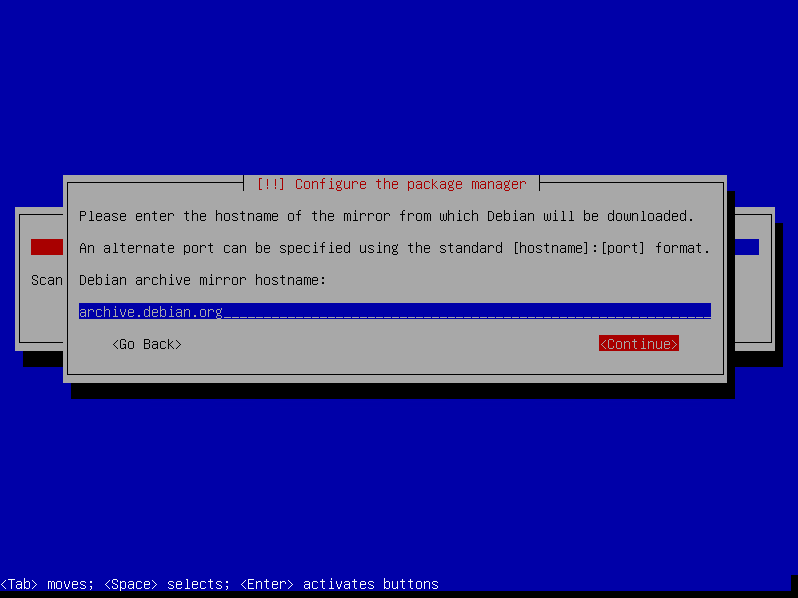
Enter "archive.debian.org" as the mirror hostname.
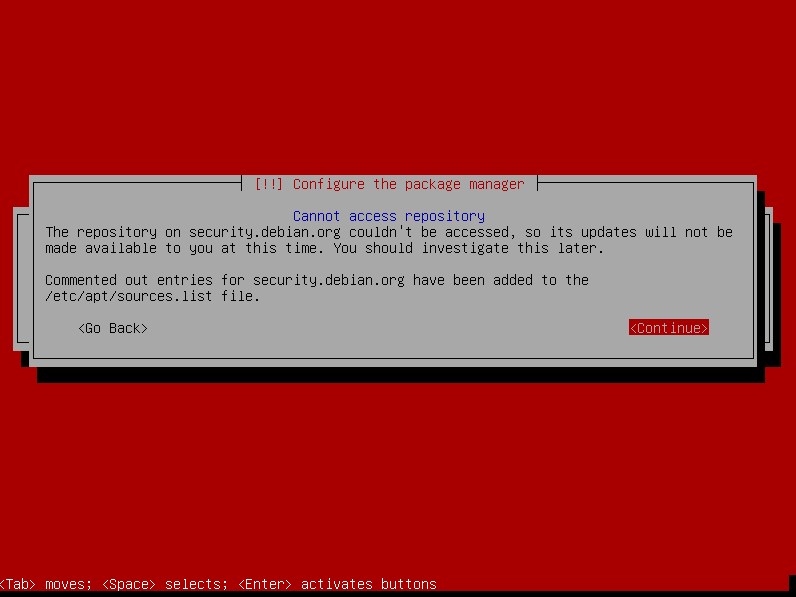
You will receive an error that there won't be any security updates from Debian.
Once the installation is complete, log in as root or use su to become root, then run these commands to install mFi Controller:
apt-get update -y
echo "deb http://dl.ubnt.com/mfi/distros/deb/ubuntu ubuntu ubiquiti" >> /etc/apt/sources.list
apt-key adv --keyserver keyserver.ubuntu.com --recv 06E85760C0A52C50
apt-get update -y
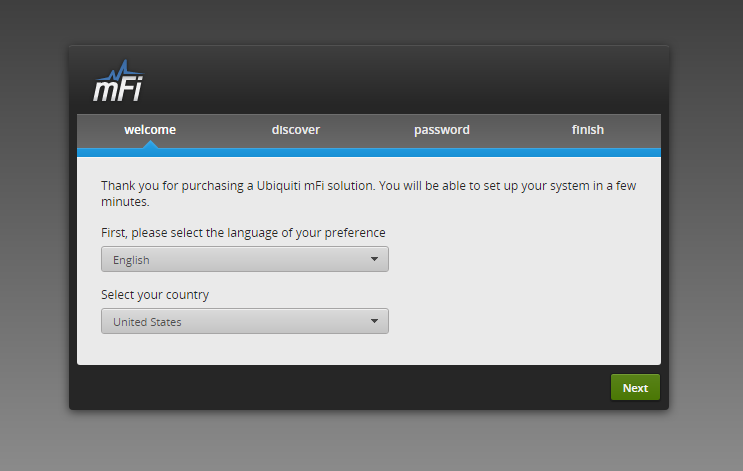
apt-get install mfi -y --allow-unauthenticatedVisit https://<ip>:6443/wizard to configure your mFi Controller.

No spam. Unsubscribe anytime.
Newsletter Subscriber
Newsletter Subscriber
Newsletter Subscriber