Ubiquiti introduces new UniFi Travel Router Long Range with AirWire style antenna
New UTR-LR is now available with more antenna gain and TX power
September 1, 2026
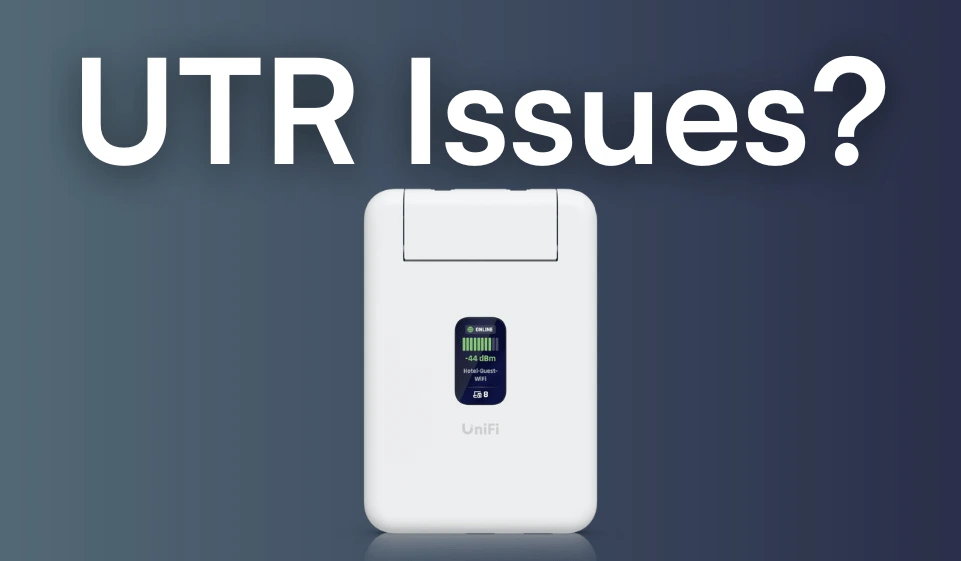
The brand new UniFi Travel Router (UTR) hit the official Ubiquiti store on 29th December and over the past few days, users have started to receive them. However, as is being discussed on the Ubiquiti Community, there does seem to be one or two initial issues relating to firmware updates.
If you want fast and reliable UniFi hosting, check out HostiFi with fast support, regular backups, managed updates and prices from just $9 per month.
To learn more about our hosting plans, create an account and get started today.
The UniFI Travel Router is a small, $79 router with built in WiFi, Teleport VPN and two Ethernet ports for sharing an internet connection from a variety of sources with other devices you have.
For the first wave of customer deliveries, it seems that the UTR has been shipped out with firmware version 6.5.224, which isn't available for download from Ubiquiti's website or mentioned in a release thread on the community. This release is likely the last final internal build that was added to the UTR devices before being sent to customers.
However, on 30th December Ubiquiti posted the first firmware release for the UTR, version 6.5.238. This release specifies that it is "the initial release for the UniFi Travel Router." It also stated that version 10.31.3 of the UniFi iOS app was required.
The problem here is down to the fact that the update function inside of the UniFi app doesn't seem to work and also, in a separate issue the Teleport VPN function can be unstable. Certain functions such as reboot and factory reset also don't work as expected.
If you are running version 10.31.3 of the UniFi iOS app, then the SSH function with the UniFi Travel Router is now unavailable, despite being previously included with last TestFlight version of the iOS app. Version 10.31.2 of the TestFlight UniFi app was released on 21st December and contains undocumented support for setting an SSH password.
Just like any UniFi AP, the UTR can be logged into via SSH and all the same commands work, such as info and upgrade. Because (as of writing) the upgrade firmware section of the UniFi app for the UTR isn't working, this is the only way to update the device at the moment.
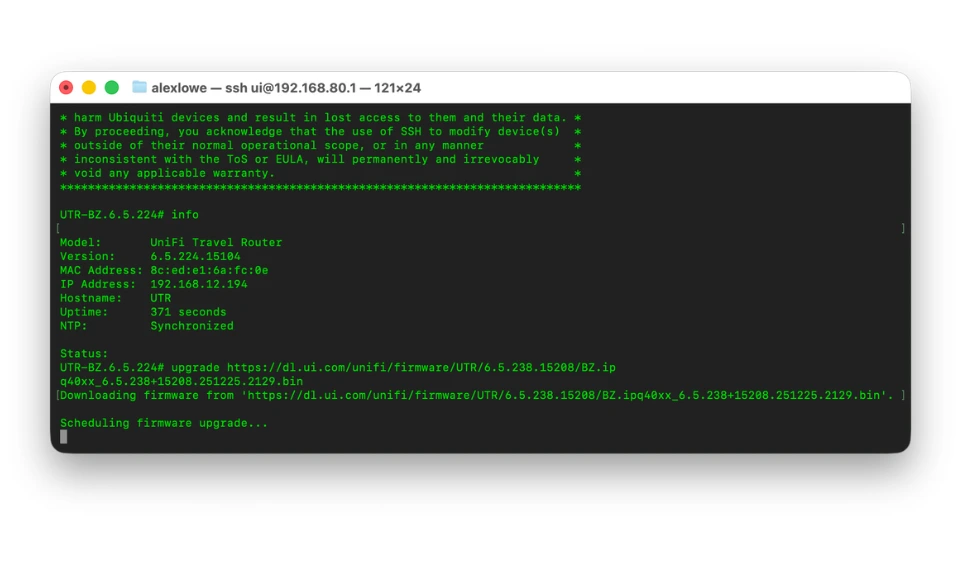
To get the UniFi Travel Router updated and working correctly:
Hopefully soon Ubiquiti addresses the initial issues with the UTR how to update the firmware. Whether or not SSH access will return remains to be seen.

No spam. Unsubscribe anytime.
Newsletter Subscriber
Newsletter Subscriber
Newsletter Subscriber